BUSINESS ACTIVITY
Turn your tumbler into a business card.
Turn your cup into your business card. Use ChatGPT to create a custom design with a QR code that lets people connect with you in a scan. Keeps your drink cold. Breaks the ice.
Yep, that’s
a business card.
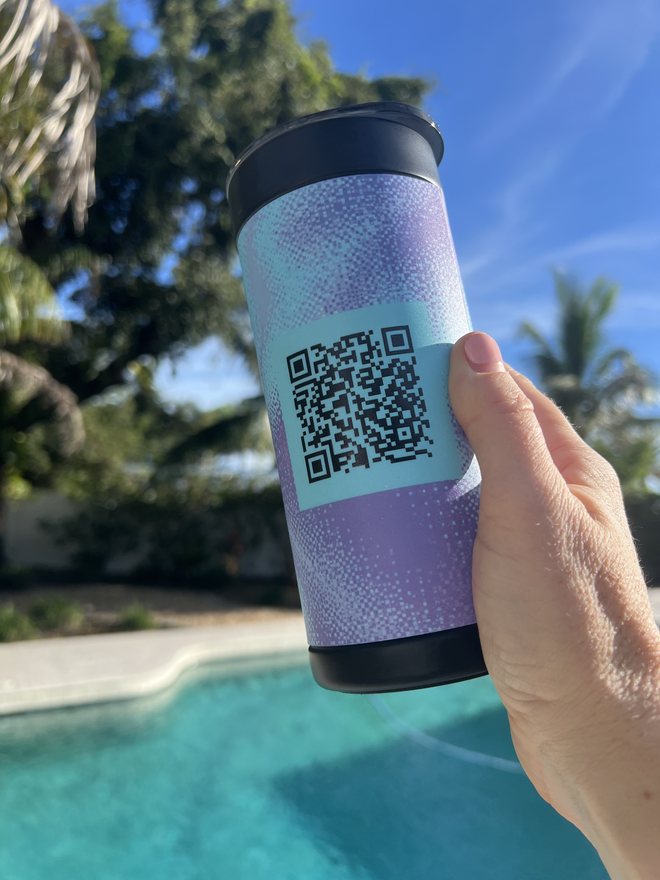
Your cup can do this, too.
Make it a team thing.
Give your team a cup that helps them start the next conversation.
Sales kickoffs
Send everyone home with a branded cup and their own contact links.
Employee appreciation gifts
Make the thank-you personal with their name, style and links.
Company swag
Put your brand in their hands, with a QR code for your website, a demo or a booking page.
Let’s make it.
Use ChatGPT to create your QR code and design your artwork. Link to an existing public page, such as your website or social profile, or create and publish a new links page using a website builder.
If you use Astra, you can also prepare your print-ready file directly in ChatGPT. Need help with that step? Email your artwork to service@wrapware.com and we’ll prepare it for printing, free of charge.
Your shortlist
Where can
people find you?
- LinkedInConnect ↗
- Business websiteExplore ↗
- PortfolioSee my work ↗
- Booking pageLet’s talk ↗
- Social channelsFollow ↗
A few ideas. Pick your favorites.
01 Pick your links.
Your LinkedIn, your shop, that portfolio you’re proud of. Pick what you’d want to share with someone you just met.
Already have a public links page, or just one link? Use that URL. Open it while signed out to check it works, then skip to step 3. A new links page is handy when you have a few things to share.
Pick your favorite. Which link should people tap first?
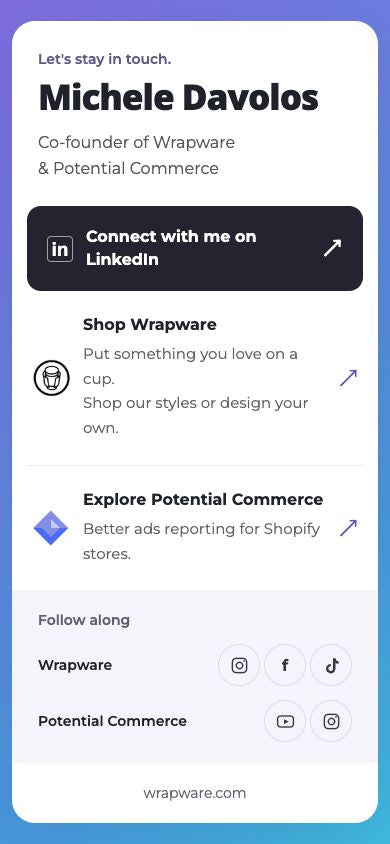
Your main link goes first.
02 Make your page.
Ask ChatGPT to build a page that looks good on a phone, with your main link at the top. To put it online, you’ll need access to a website builder or your own website host. If that isn’t available, use an existing public links page or one public URL and go to step 3.
Prompt: build my links page
Build a mobile-friendly personal links page for [name]. Introduce me as [short introduction]. Use [colors, style and attached logo/photo]. Include these links: [labels + URLs], with [the link I want people to tap first] first. Make buttons easy to tap. Don’t invent links or personal details.

Check whether you have access to a website-building and publishing tool. If you do, use it to publish the page and give me the working public URL. If you don’t, tell me what publishing access is missing and help me use an existing public links page or one public URL instead. A preview or a local file is not a published page. Do not invent a URL or claim the page is live unless publication succeeds.
Save the published link. You’ll use it for your QR code.
Try it as a visitor. Open the published page while signed out or in a private window. Tap every link on your phone before you make the QR code.
Use your own page’s URL for your QR code.
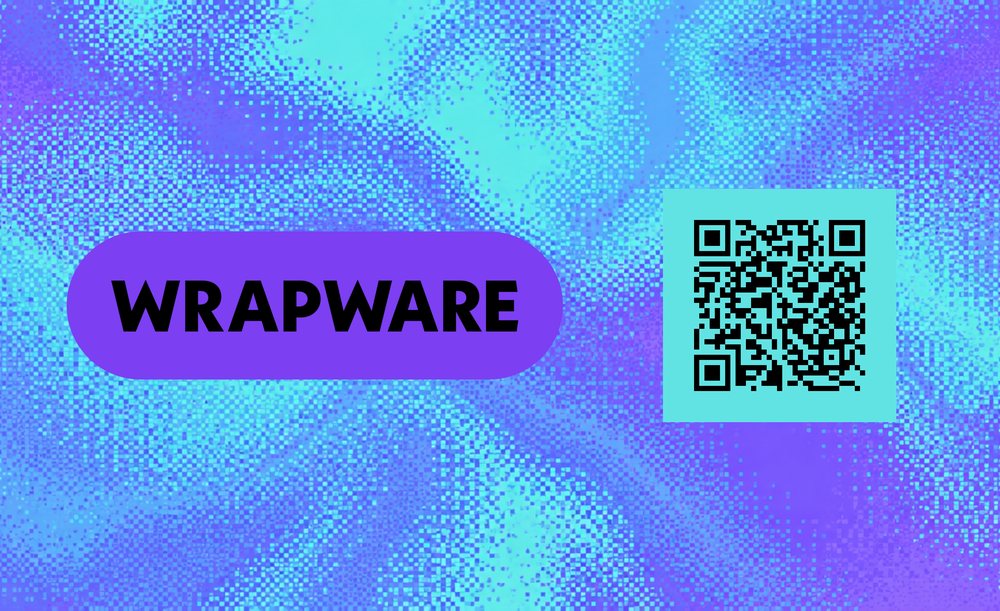
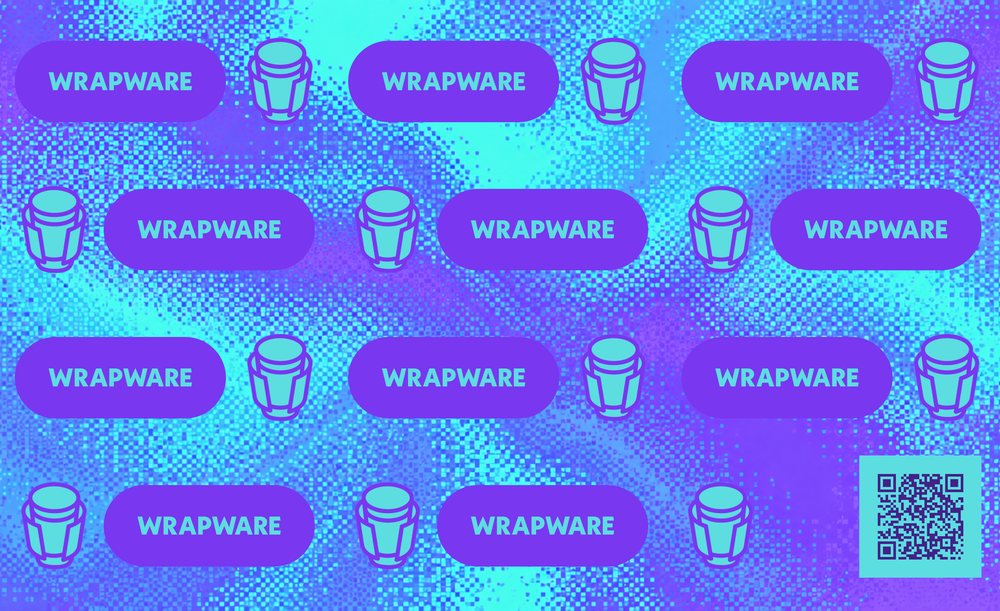
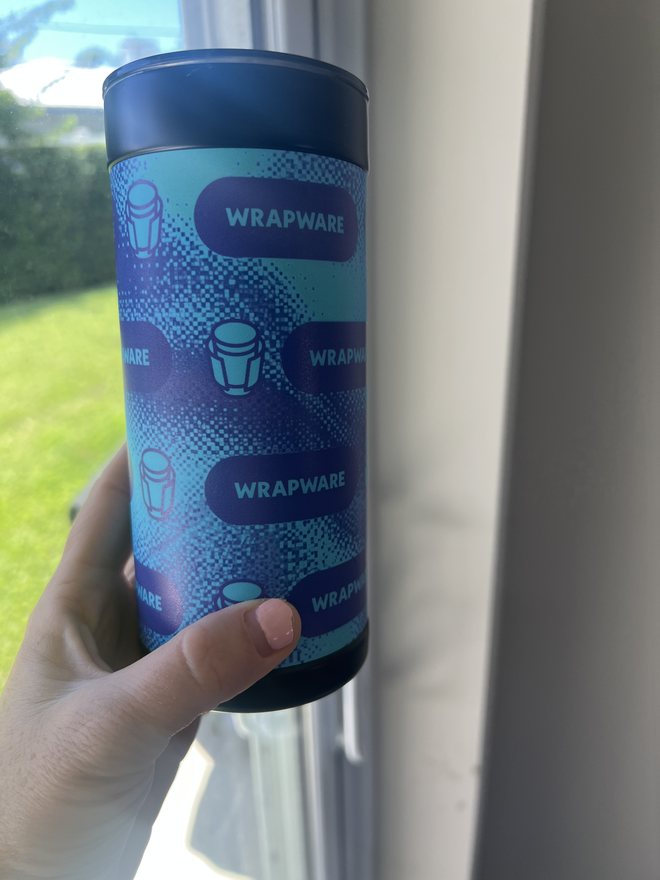
Purple, aqua and a little pixel texture.
Two finished designs, QR codes included.
03 Make your wrap.
Keep going in the same chat. Give ChatGPT your name and the website or page you want people to visit when they scan your QR code. Include your company website if you have one, then use the prompt below to create your QR code and wrap design.
Prompt: design my wrap
Create a personalized business-card tumbler wrap.

Name: [YOUR NAME]
QR code destination: [EXACT URL]
Company website for branding, optional: [WEBSITE URL OR LEAVE BLANK]

If a website is provided, visit it and retrieve the company’s actual logo. Use its visible brand colors and typography to guide the design. Preserve the logo’s proportions, lettering and colors. Do not invent brand assets or personal details.

Do not ask me to upload files. If you cannot retrieve a usable logo, proceed with a polished text-based design using the branding you can verify. If no website is provided, choose a restrained palette and a clean sans-serif typeface.

Create a clean, spacious layout:
• Use warm white or near-white across roughly the left two-thirds.
• Place the company logo near the upper left, when available.
• Set my name prominently below it in bold, clean typography, using two lines when it improves the composition.
• Add a solid vertical panel in the primary brand color on the right, optionally separated by a narrow accent stripe.
• Place the QR code inside a simple white panel within the colored area.
• Finish with a small accent rule and an understated website address, if provided.

Make it feel like polished branded merchandise. Avoid decorative clutter, repeated logos, gradients, shadows and unnecessary labels.

Create flat rectangular artwork, not a cup mockup: exactly 2700 × 1650 pixels, landscape, as a PNG or JPG in sRGB with 300-dpi metadata. Extend the background to every edge and keep the name, logo and QR code at least 150 pixels inside. The canvas includes the 0.25-inch bleed allowance; don’t add extra bleed, guides or crop marks.

Use the actual logo asset and precisely typeset text. Generate a real QR code from my exact destination URL using a QR library. Use dark modules on white with a clear margin of at least four modules.

Assemble and export the final file using code-based image editing. Open the saved file and verify its actual dimensions are 2700 × 1650 pixels, its color space is sRGB and its metadata is 300 dpi. Confirm the 150-pixel safe margins. If an artwork preview has different dimensions, prepare the exact-sized export without stretching the artwork; changing dpi alone does not add detail. If you cannot prepare or inspect the file, tell me what remains unverified.

Show the preview and provide the downloadable file. Check spelling, logo proportions and the QR destination. Decode-test the QR code in the exported artwork if tools are available, and report whether it passed.
Ready for your next hello.
04 Put it on your cup.
Happy with it? Download the finished file from your chat. Head to Design Your Own, upload it, choose “Just your photo,” and complete checkout.
As you upload, review the cup preview and scan the QR code to open your page.
From design to cup.
Michele, co-founder of Wrapware and Potential Commerce, put her LinkedIn, both businesses and their socials on one page. A QR code on each wrap makes it easy to share.
Good to know
What do I need to get started?
Your links, any logos or photos you want in the design, and ChatGPT. To create a new links page, you’ll also need a website builder. You can use an existing public links page or one public URL instead.
I only have one link. Do I still need a links page?
No. Send people straight there. Open it while signed out to check it works, then skip to the design step.
What size does the wrap file need to be?
Exactly 2700 × 1650 pixels, horizontal, as a PNG or JPG with 300-dpi metadata. Extend the background to every edge and keep important content at least 150 pixels inside. The canvas already includes the 0.25-inch bleed allowance, so no extra bleed, guides or crop marks.
How do I make the QR code?
Ask ChatGPT to generate a real QR code from your final public URL using code, not image generation, and place it in the design with strong contrast and a clear margin around it. Scan it while you review the cup preview during upload.
How do I order the cup?
Download the finished file from your chat, go to Design Your Own, upload it, choose “Just your photo,” review the cup preview and complete checkout.
Want help getting it print-ready?
If you use Astra, you can also prepare your print-ready file directly in ChatGPT. Need help with that step? Email your artwork to service@wrapware.com and we’ll prepare it for printing, free of charge.
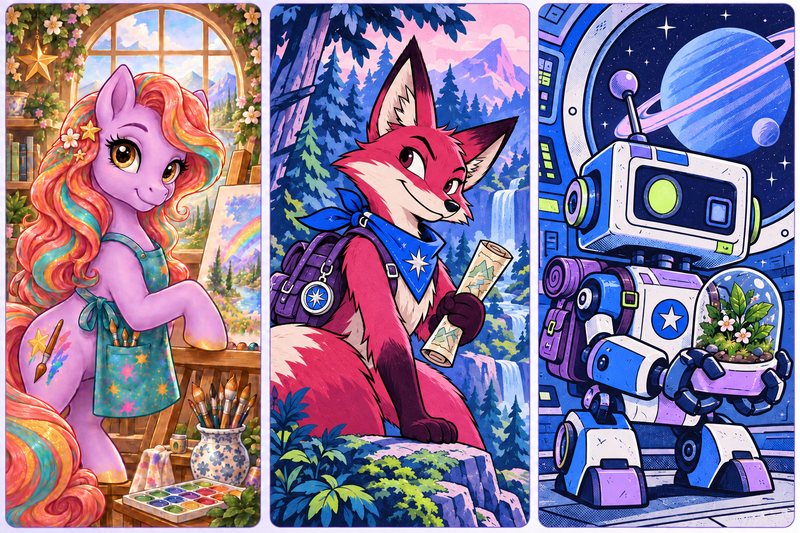 Team activityGet to know your team through their characters.A team-building workshop: pick a world, give everyone an original character, then reveal the team.Read the guide →
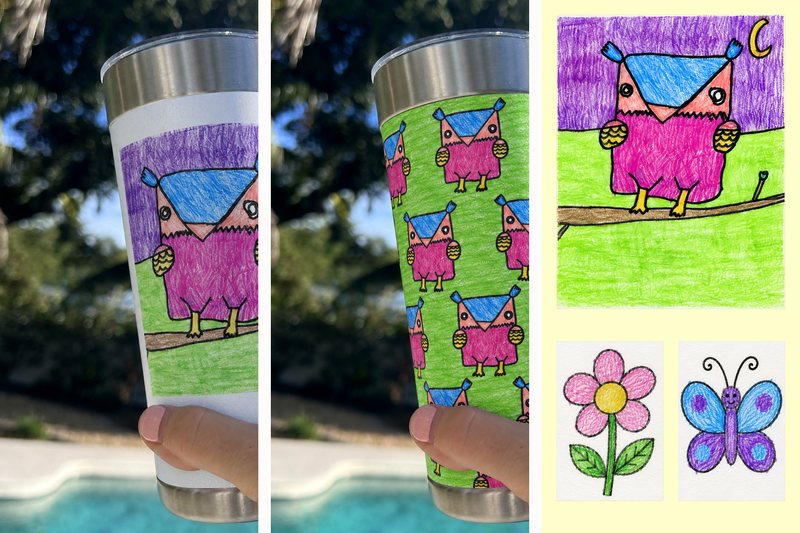 FamilyTurn your child’s drawing into a one of a kind gift.One big drawing, a repeat, or a few together. Every wobbly line belongs.Read the guide →
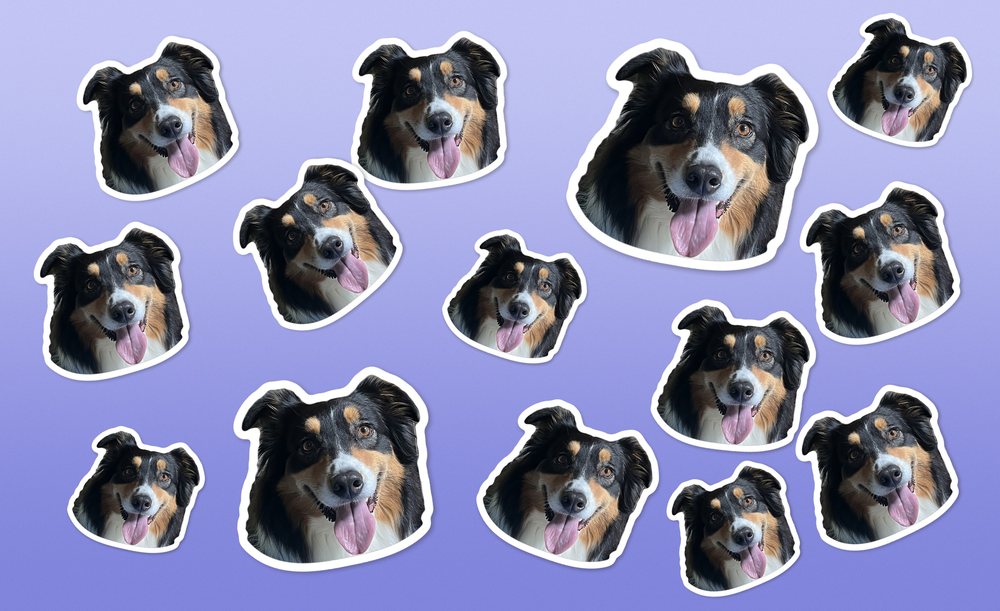 Pet portraitHow to make a sticker pet portrait.Your favorite face, your everyday cup. Made in Wrapware Studio.Read the guide →
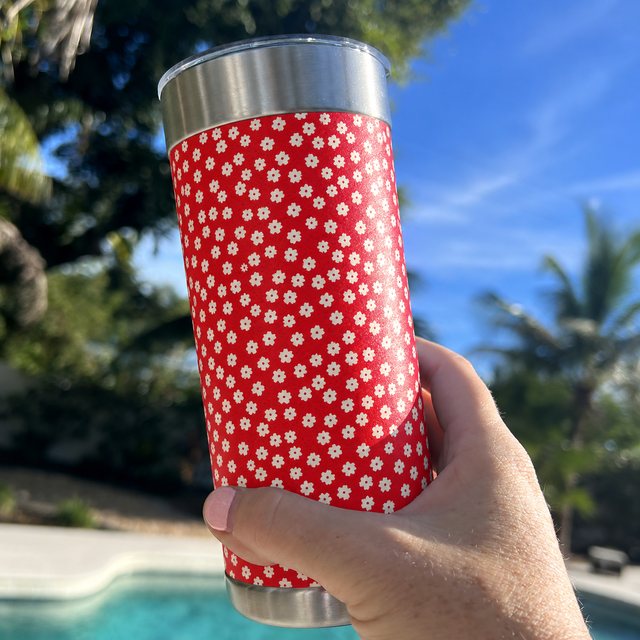 OutfitMake a tumbler to match your outfit.Photograph a favorite item, match its pattern, or flip the colors.Read the guide →


