Make something you love
How to make a sticker pet portrait.
Your favorite face. Your everyday cup.
Turn a photo you love into a custom tumbler design with Mix and Match in Wrapware Studio.
A pet photo · Wrapware Studio · Optional face cutout: ChatGPT
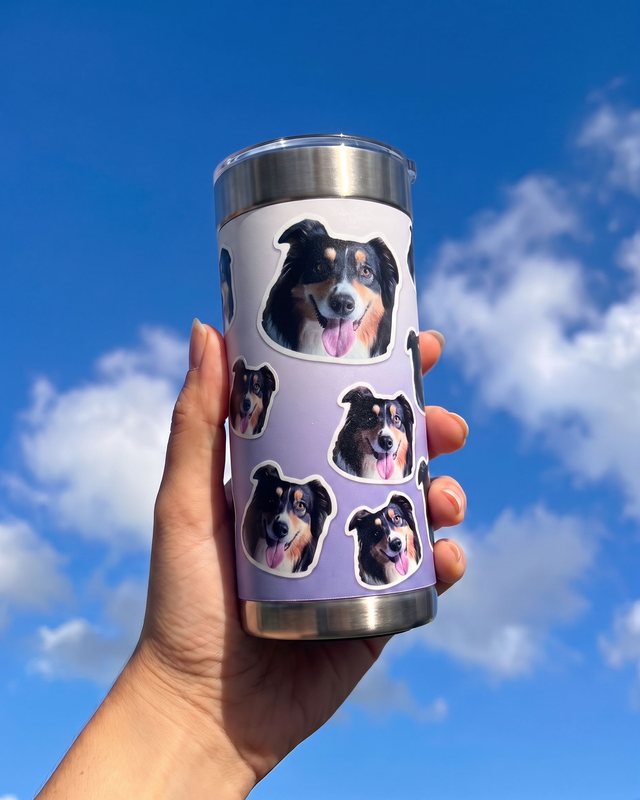
Meet Otto. He likes options.
Let’s make it.
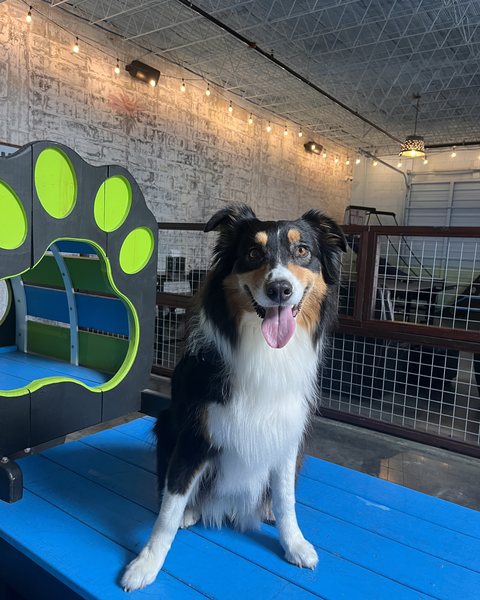
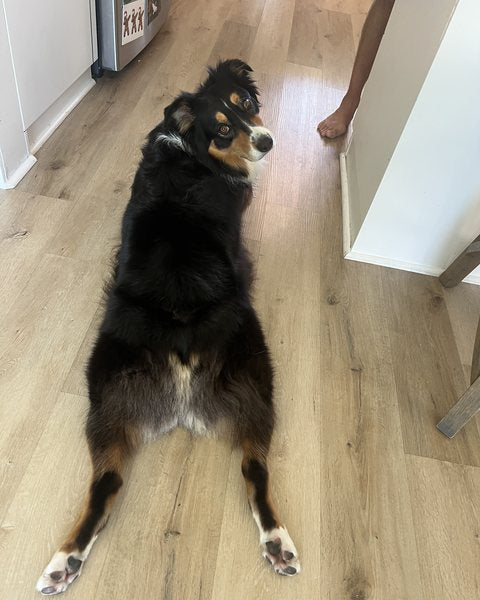
A favorite face. Or a very good booty.
Pick a photo that looks like them.
Choose a sharp photo with even lighting, clear eyes and all those distinctive markings. Keep both ears in the frame.
Going for a whole-body portrait? Keep their paws and the full pose, too. That head tilt counts.
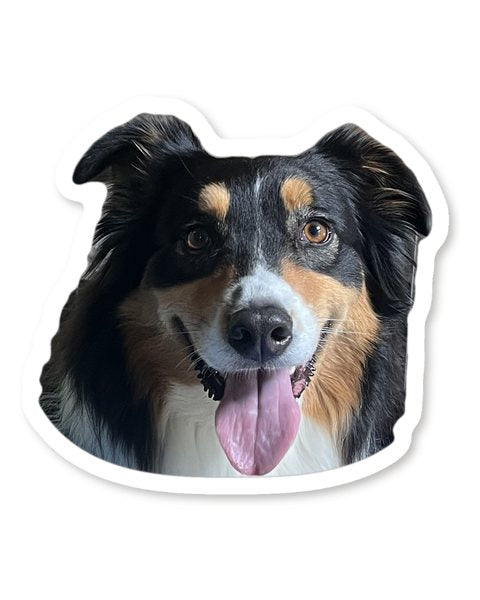
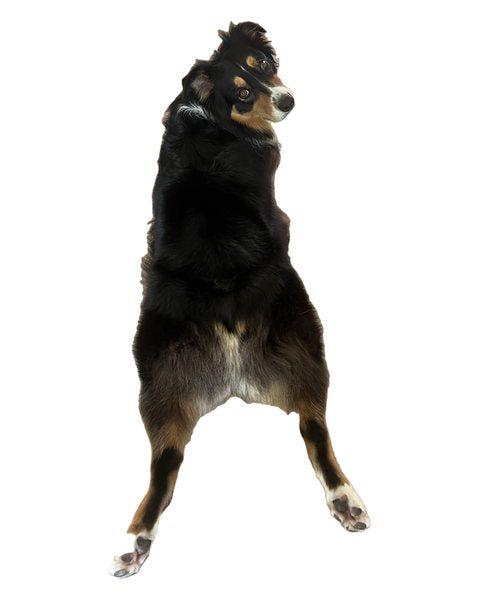
Face-only for repeats. Full pose for one big portrait.
Optional: make a cutout.
Studio has a background remover, so you can upload your original photo and keep their whole pose.
Want just the face for a repeating pattern? Use the face prompt or a photo editor to isolate their head before uploading. Keep both ears, chin and whiskers.
Get the face prompt
Isolate my pet’s head from this photo, including both ears, chin and whiskers. Remove the body and background by masking the original photo’s pixels with photo-editing or code-based tools. Keep the photographed pixels inside the cutout; do not generate a replacement portrait. Preserve the actual photographed features, original expression, colors, markings and natural asymmetries. Keep any distinctive scars or ear shapes. Do not redraw or beautify my pet, add accessories or invent missing details. If a feature is cropped out, ask for another photo rather than completing it.

Add a clean white sticker-style border outside the cutout without covering the pet’s features, leaving a little transparent space beyond it. Return one high-resolution PNG with a genuinely transparent background, not a white rectangle or a checkerboard printed into the image. Do not make the repeating pattern yet.

Open the saved PNG and verify that it has an alpha channel and fully transparent pixels outside the sticker border. Show previews against both light and dark backgrounds so I can check the ears, chin and whiskers. Compare the cutout with the original photo. If you cannot mask the original pixels or verify actual transparency, tell me before using another method.
The optional prompt uses ChatGPT with photo-editing tools that can mask your original photo and export a transparent PNG. Check the expression and markings against your original.
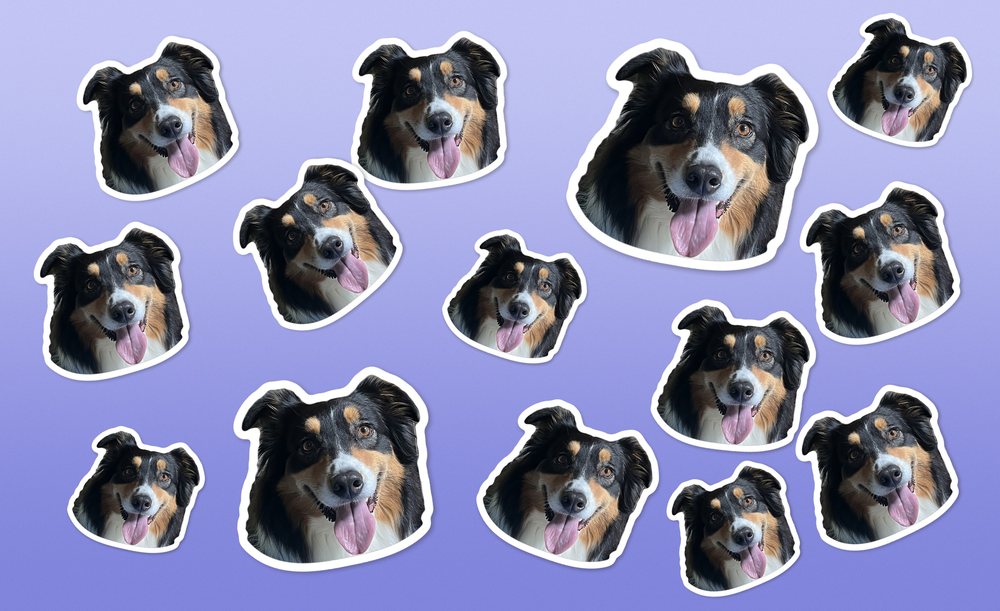
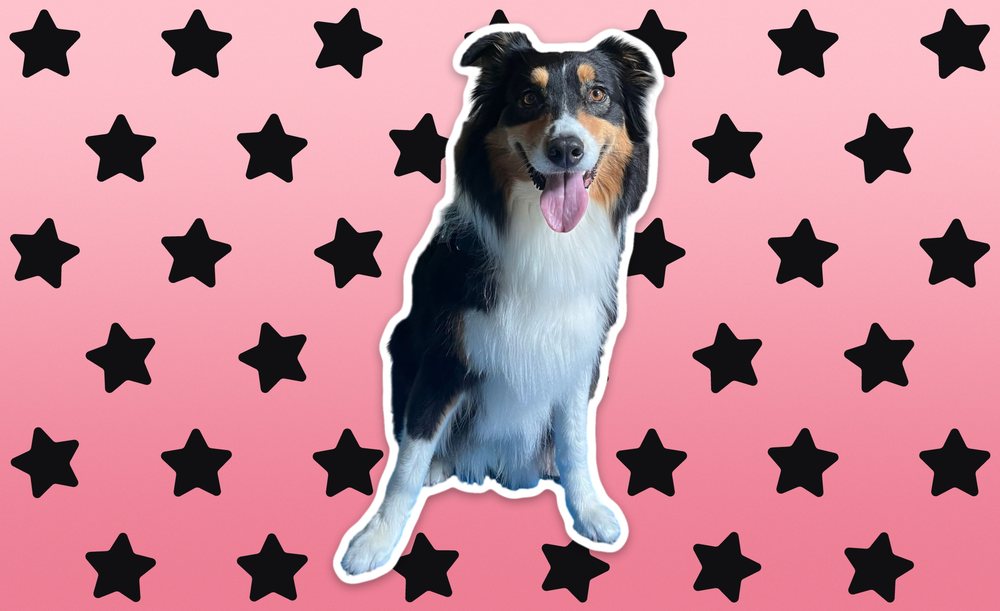
A little repetition. Or one big moment.
Make it yours in Studio.
Open Mix and Match, select Design Your Tumbler, then upload your original photo or prepared face cutout. Use Studio’s background remover if needed.
Choose your colors and explore the layout. Give that face (or that booty) room to stand out.
Dark fur? Try a lighter background. Pale fur? Try a deeper color.
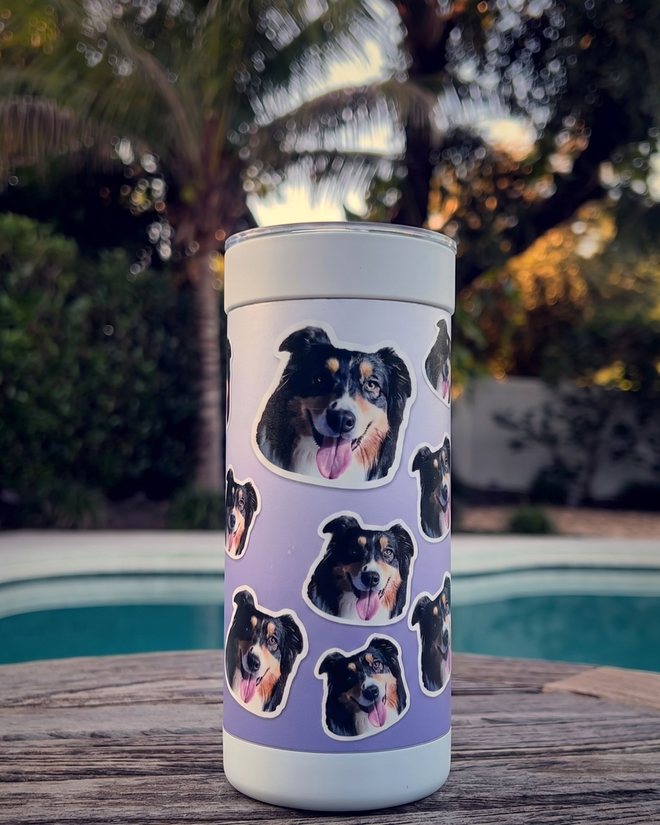
Otto’s finished look
Give it a spin.
Check your design in Studio’s 3D tumbler preview before ordering. Look at the crop, the ears and how the design sits around the cup.
For a pattern, make sure the faces are large enough to recognize and the spacing feels right.
Does it capture the face you love?
01More Otto, please.Scattered faces · Lavender
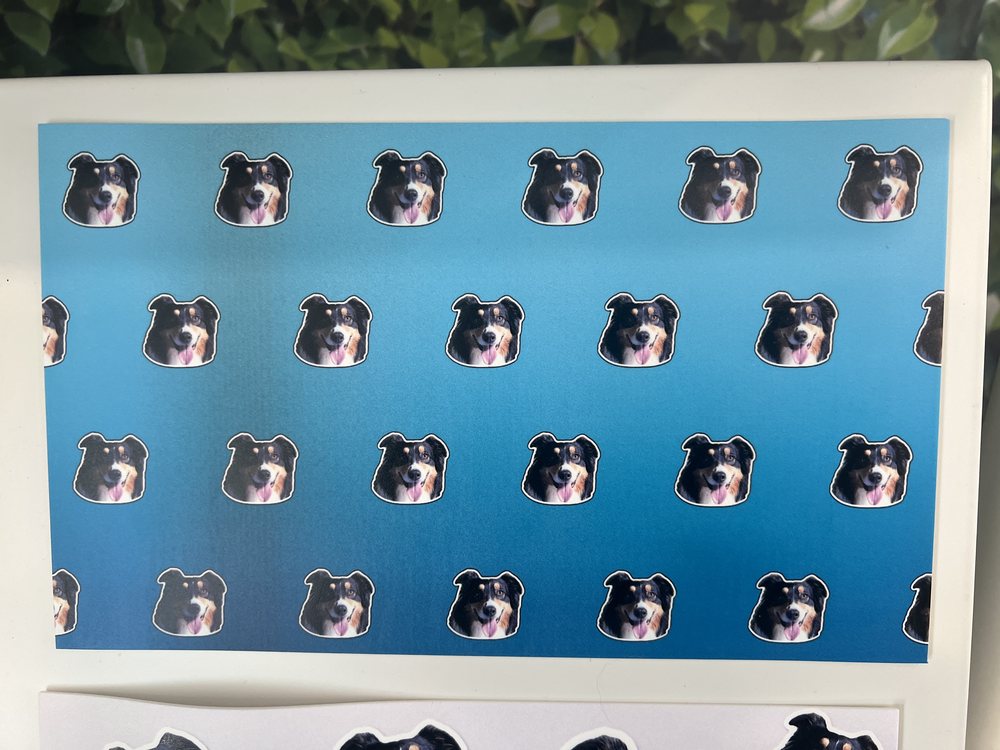 02A face worth repeating.Even repeat · Aqua · Printed wrap
 03The booty gets its moment.Full pose · Orange flowers · Printed wrap
04Obviously, he’s the star.One big portrait · Pink stars
03The booty gets its moment.Full pose · Orange flowers · Printed wrap
04Obviously, he’s the star.One big portrait · Pink stars
Unmistakably them
A little head tilt. A whole lot of personality.
A serious stare, a signature sploot, a tongue that never quite stays in. Make a wrap that feels like your pet.
Good to know
Do I need to cut out the background first?
No. Studio has a background remover, so you can upload the original photo and keep the whole pose. A cutout is only needed if you want just the face for a repeating pattern.
What makes a good photo?
Sharp, even lighting, clear eyes and both ears in the frame. For a whole-body portrait, keep the paws and the full pose in the shot.
Can I use more than one photo?
Yes. Mix and Match lets you place several stickers on one wrap, so a face and a full pose can share the cup.
Want help with the cutout?
You don’t need ChatGPT for this one; Studio does the background removal. If you want help with a face cutout or anything else, email service@wrapware.com and we’ll do it for you, no charge.
 Team activityGet to know your team through their characters.A team-building workshop: pick a world, give everyone an original character, then reveal the team.Read the guide →
 Business cardTurn your tumbler into a business card.Put your links on a cup: choose a public page, then create a QR code and a wrap.Read the guide →
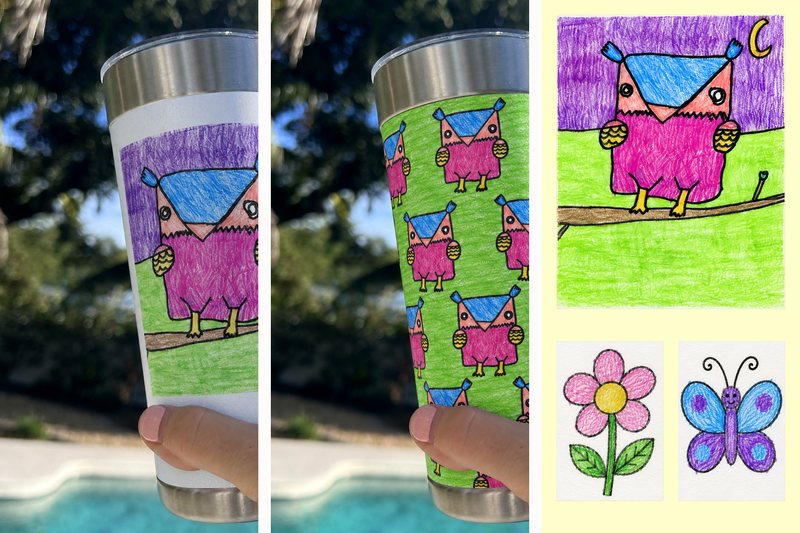 FamilyTurn your child’s drawing into a one of a kind gift.One big drawing, a repeat, or a few together. Every wobbly line belongs.Read the guide →
 OutfitMake a tumbler to match your outfit.Photograph a favorite item, match its pattern, or flip the colors.Read the guide →


