ChatGPT design
How to Turn Your ChatGPT Design Into a Real Tumbler
Made a tumbler in ChatGPT and want the actual cup? Bring the image you made. You can use it to start a design in Wrapware Assist and see how it looks on a real tumbler before you order.

Let’s make it.
Find the image you made.
If ChatGPT gave you a flat, rectangular version of the artwork, download that file. If all you have is a picture of the design on a cup, save that image. You can use it as a reference in Assist.
Bring it to Wrapware.
Open our designer and use Add image(s). If you brought a mockup, tell Assist which parts of the design you want to keep.
Try this in Assist if you have a mockup
Use the artwork from this tumbler mockup to make a flat wrap. Keep the blue background, the lettering, and the little red car. Put the car and the name on the front.
Spin the 3D preview.
Check the spelling and turn the cup to see where the wrap meets at the back. If you want a change, describe it in chat. Choose your tumbler finish and order once the design looks right.
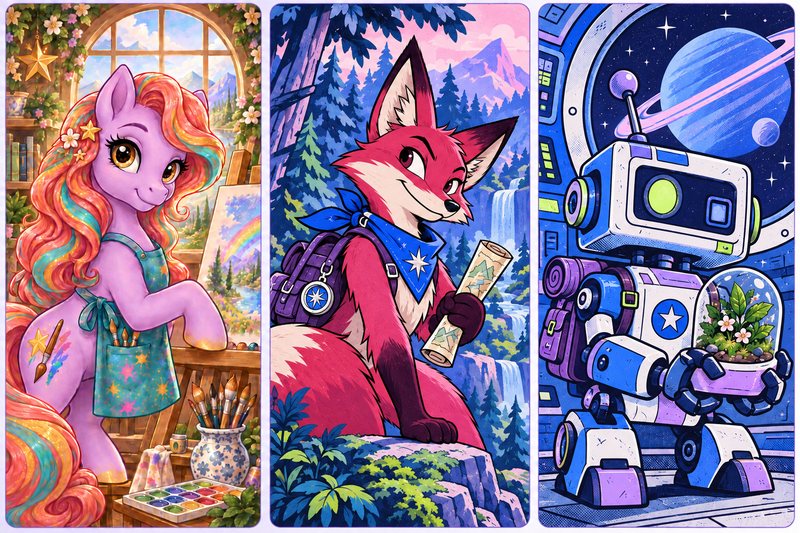 Team activityGet to know your team through their characters.A team-building workshop: pick a world, give everyone an original character, then reveal the team.Read the guide →
 Business cardTurn your tumbler into a business card.Put your links on a cup: a links page, a QR code and a wrap, all made in ChatGPT.Read the guide →
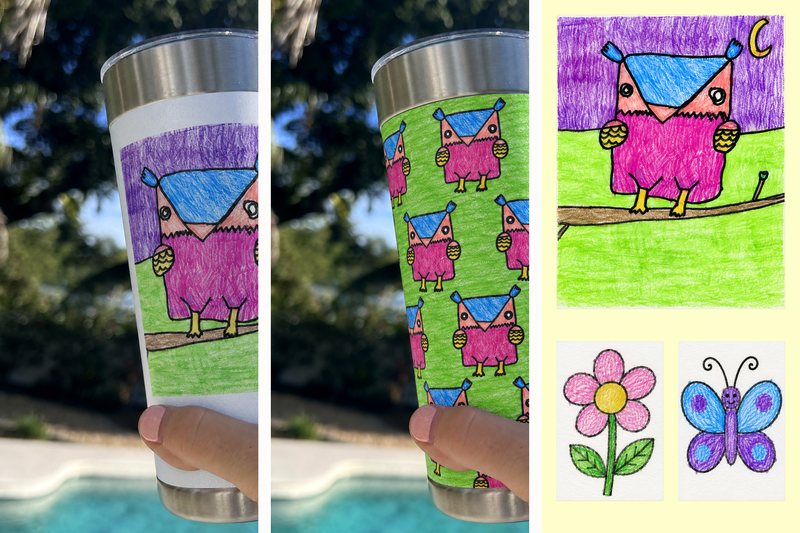 FamilyTurn your child’s drawing into a one of a kind gift.One big drawing, a repeat, or a few together. Every wobbly line belongs.Read the guide →
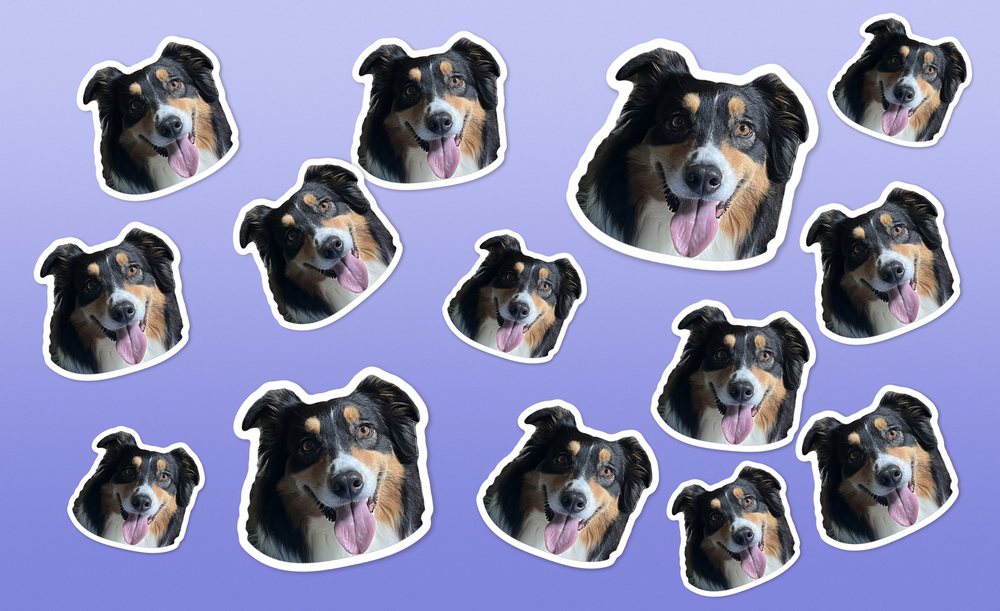 Pet portraitHow to make a sticker pet portrait.Your favorite face, your everyday cup. Made in Wrapware Studio.Read the guide →
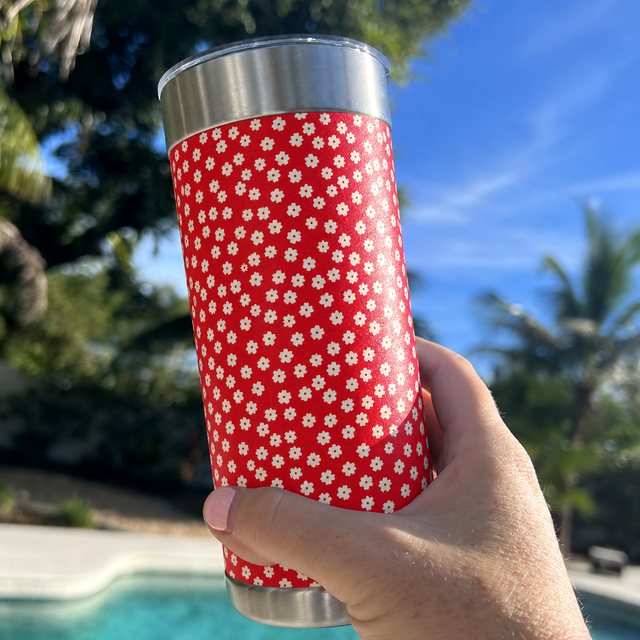 OutfitMake a tumbler to match your outfit.Photograph a favorite item, match its pattern, or flip the colors.Read the guide →
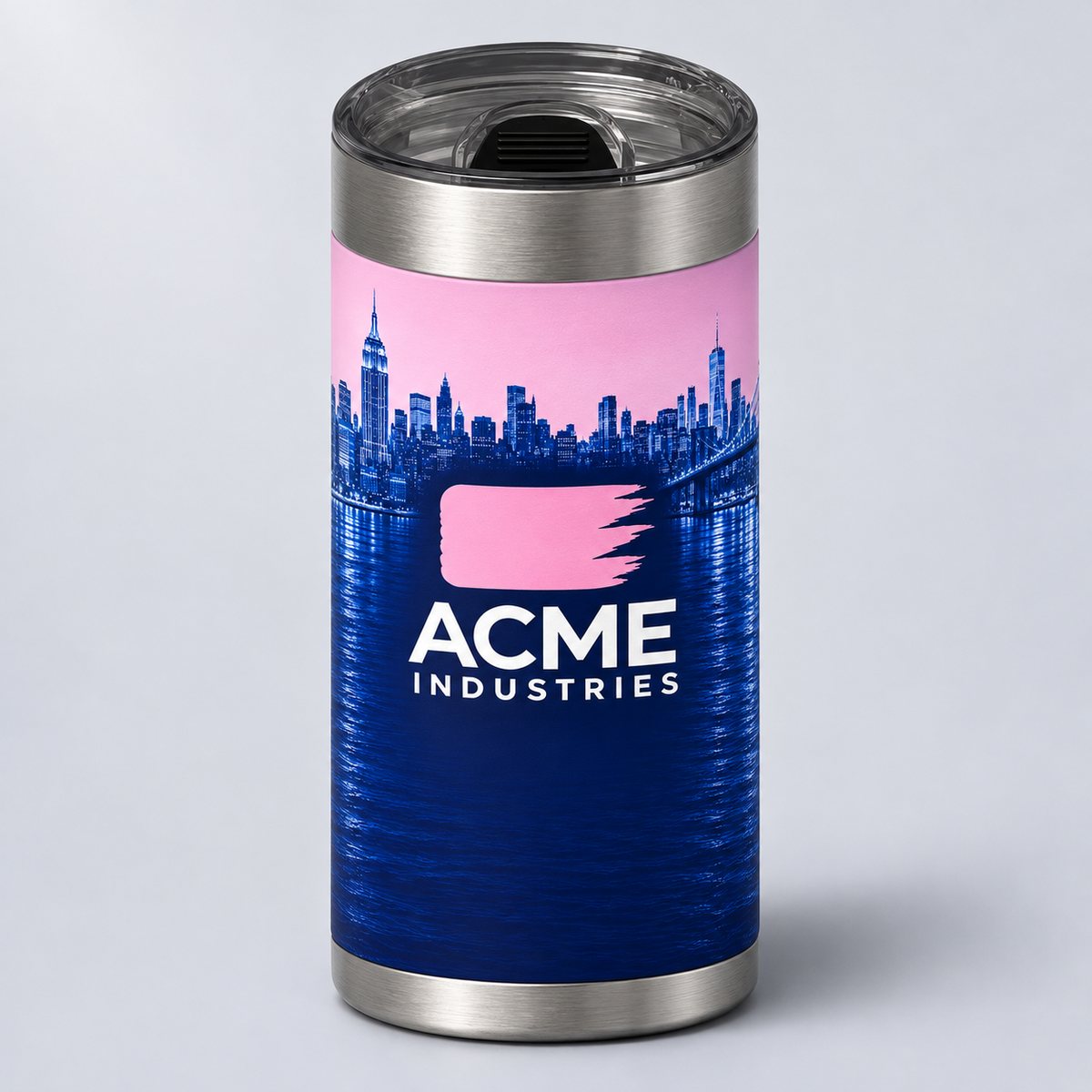 Coworker giftsPersonalized gifts for coworkers: something shared, something of their ownBuild a design around something you share, then add each person’s name and a message.Read the guide →


