Gemini design
How to Turn Your Gemini or Nano Banana Design Into a Real Tumbler
Made an image with Nano Banana in Google Gemini? You can put it on a Wrapware tumbler, even if what you have right now is a picture of the design on a cup.

Let’s make it.
Get the artwork out of Gemini.
If you already have a flat image you love, download it from Gemini. A wide rectangle works well because the artwork goes around the cup.
If Gemini gave you a mockup, open Create images, add the mockup, and ask for the artwork as a flat image. Tell Gemini what matters most so it knows what to keep.
Copy this prompt into Gemini
Use this mockup as a reference. Recreate the design as a flat, wide rectangle that I can print around a tumbler. Keep the colors, illustrations, and wording from the original. Put the main artwork and any names near the center. Extend the background all the way to the edges. Show only the artwork.
Compare the result with your mockup, especially any names or small lettering.
Upload your design to Wrapware.
Open our designer, click Add image(s) and upload your artwork. If you still only have a mockup, attach it as a reference and tell Assist which details you want to keep and what should go on the front.
Spin the cup before you order.
Open the 3D preview and turn the cup all the way around. Check that the main artwork is where you want it, the text reads clearly, and no names or faces land on the back seam. You can ask for changes in chat before choosing your tumbler finish and ordering.
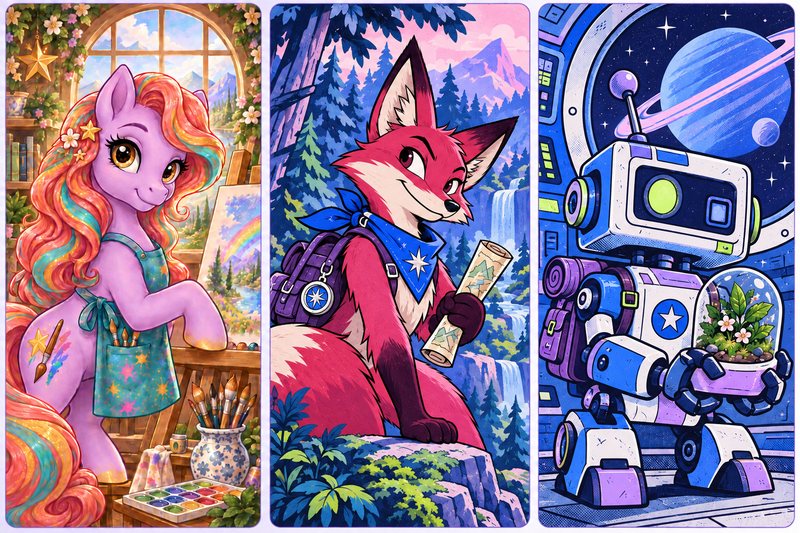 Team activityGet to know your team through their characters.A team-building workshop: pick a world, give everyone an original character, then reveal the team.Read the guide →
 Business cardTurn your tumbler into a business card.Put your links on a cup: a links page, a QR code and a wrap, all made in ChatGPT.Read the guide →
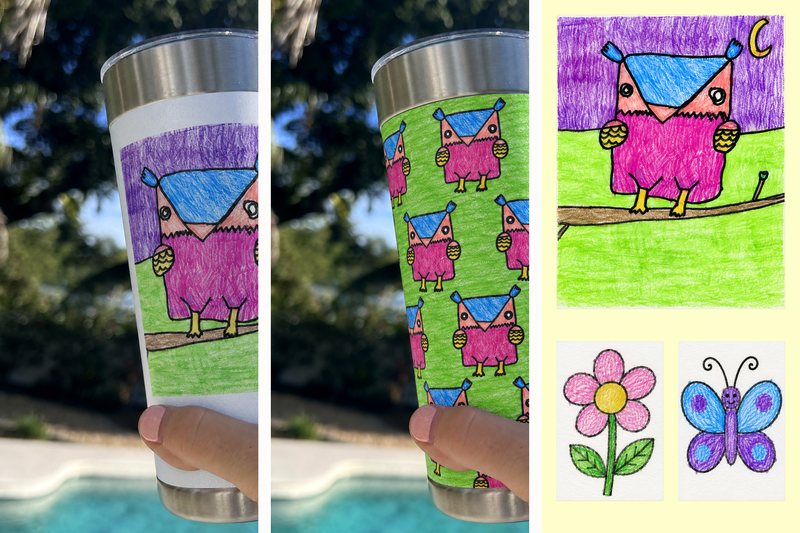 FamilyTurn your child’s drawing into a one of a kind gift.One big drawing, a repeat, or a few together. Every wobbly line belongs.Read the guide →
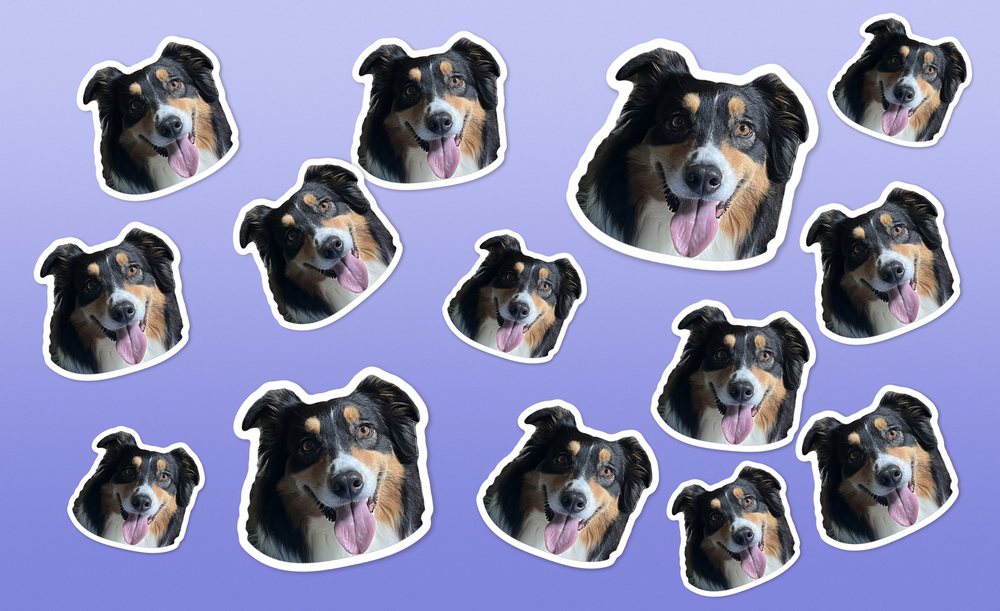 Pet portraitHow to make a sticker pet portrait.Your favorite face, your everyday cup. Made in Wrapware Studio.Read the guide →
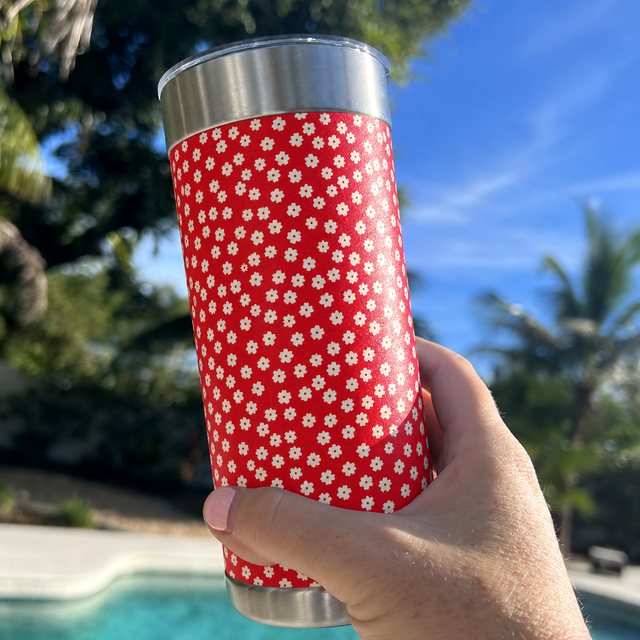 OutfitMake a tumbler to match your outfit.Photograph a favorite item, match its pattern, or flip the colors.Read the guide →
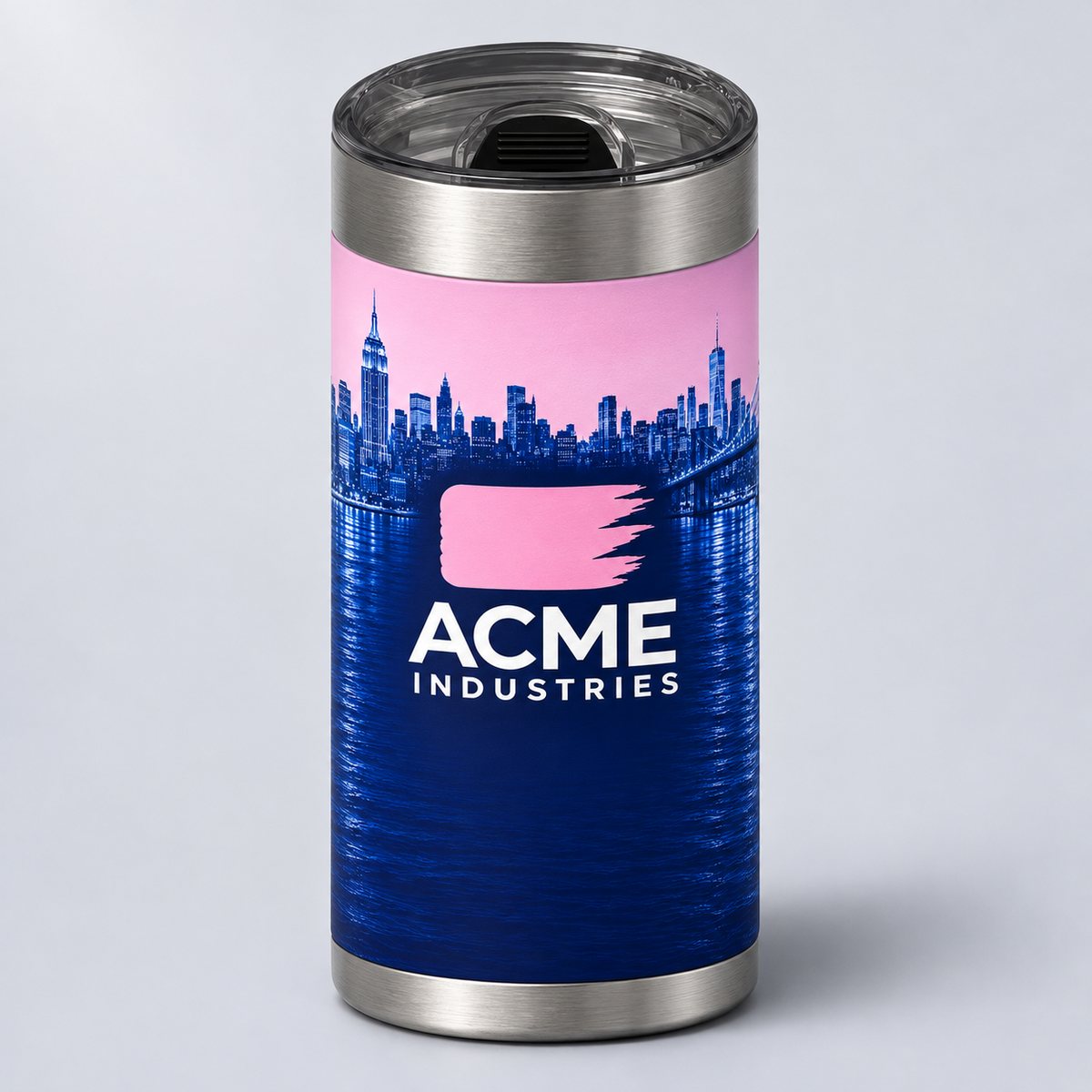 Coworker giftsPersonalized gifts for coworkers: something shared, something of their ownBuild a design around something you share, then add each person’s name and a message.Read the guide →


